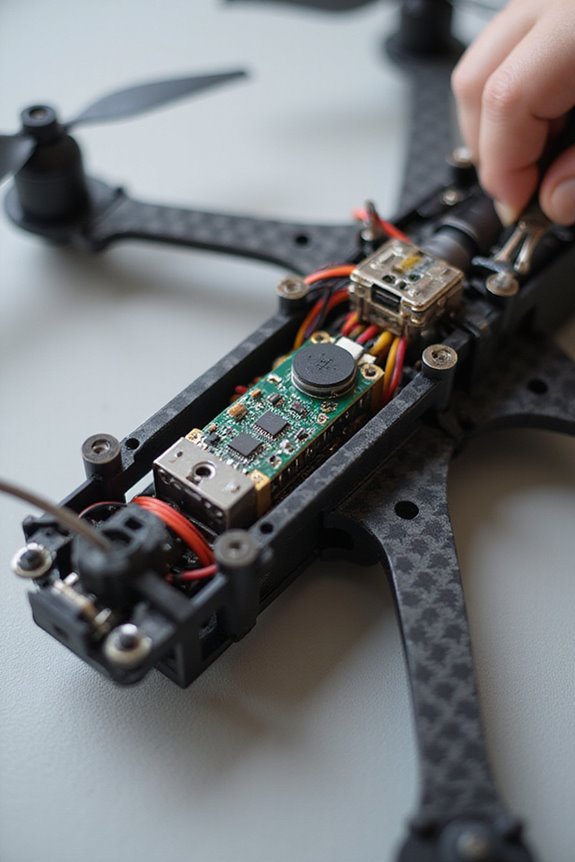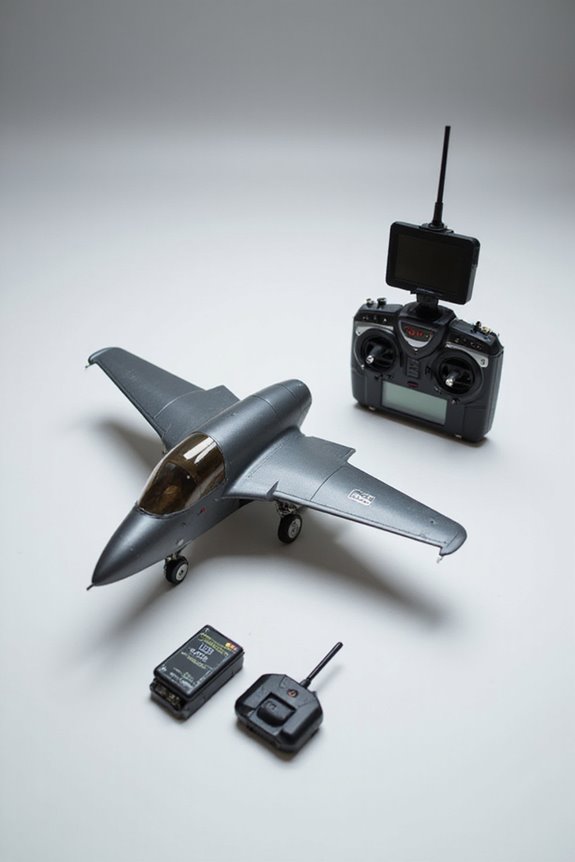
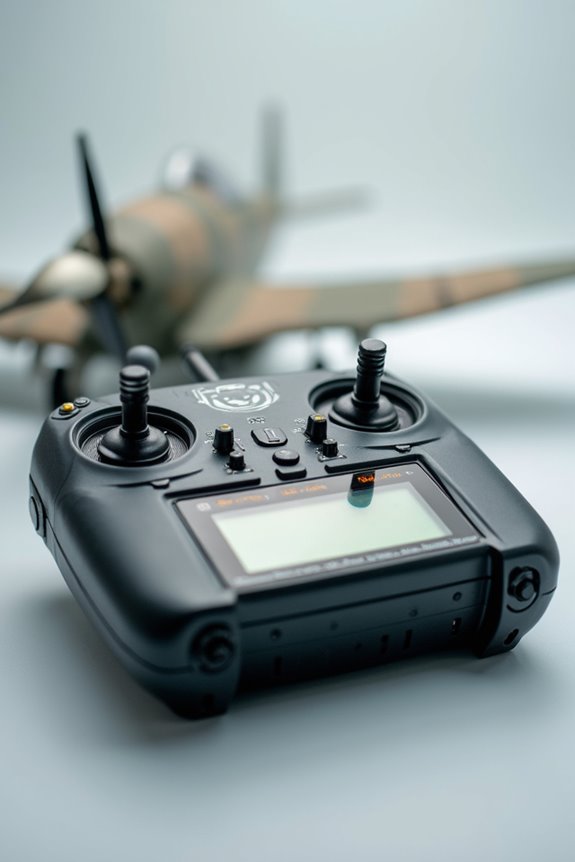

To calibrate our RC transmitter, we start by ensuring everything’s charged, and we’re in a stable spot—no coffee spills here! Next, we connect our vehicle to calibration software like QGroundControl on our PC. We then move each stick to their extremes and save the positions. After checking values for smooth control—aiming between 1100 to 1900 μs—we can tweak the throttle settings, too. Hang tight, there’s more handy info coming your way!
Key Takeaways
- Ensure the transmitter and receiver are charged and in a stable, vibration-free environment before starting calibration.
- Access the calibration interface via your PC or ground station software after connecting the vehicle.
- Perform stick calibration by moving each stick to extremes, holding positions briefly, and saving values accurately.
- Verify calibration by checking for normal range values and ensuring smooth on-screen response with no erratic movements.
- Follow throttle-specific steps, including setting throttle neutral around 1500 microseconds, for precise motor control.
Pre-Calibration Preparation
Before we plunge into the nitty-gritty of calibrating our RC transmitter, let’s get our ducks in a row. First up, we need a hardware checklist. Have the transmitter and receiver fully charged or use fresh batteries. Don’t forget to power them off while connecting components and remove any propellers for safety—trust us, a spinning blade isn’t the best companion for calibration!
You may be interested
Next, let’s discuss environmental conditions. We should find a stable, vibration-free space. A clear line of sight is essential, so steer clear of Wi-Fi routers and other RC devices. Let’s also avoid any metal objects nearby—they can mess with our signal. With proper prep, we’re setting ourselves up for a successful calibration!
Recommended Products

High capacity of 2000mAh RC receiver battery pack with Hitec connector delivers 4.8V of power, can be rapidly charged so that you spend more time with your hobbies. The long runtime makes this an ideal hobby battery pack for better longevity.

Flysky FS-i4 is a affordable, 4CH 2.4GHz radio system and also a very simple setup for your RC vehicle.

2,000mAh capacity RC receiver battery pack with Hitec connector delivers 4.8V of power.
Accessing Calibration Interface
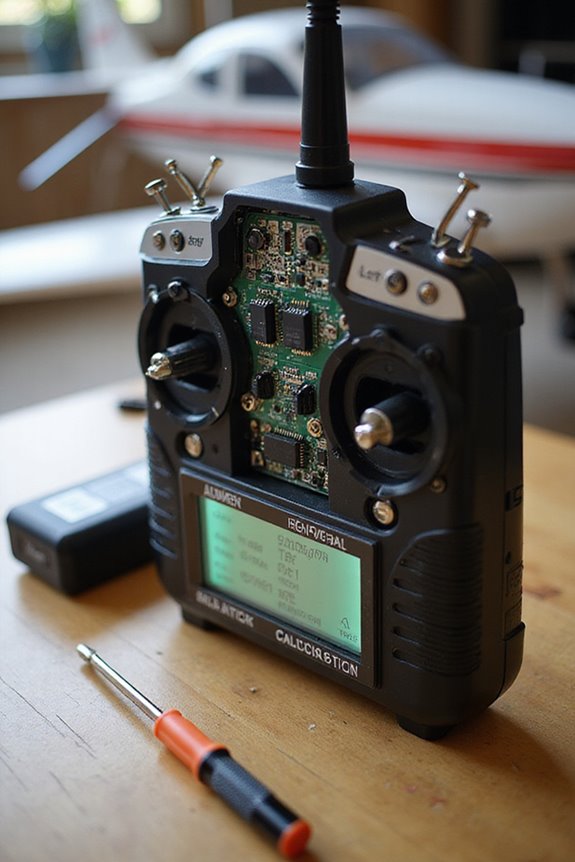
How do we immerse ourselves in the calibration interface of our RC transmitter? First, we need to power up our transmitter and fire up the calibration software on our PC or ground station. Once that’s done, let’s connect the vehicle via USB or telemetry. Then, we launch the calibration interface, often found under setup menus like QGroundControl or Mission Planner.
Make sure the receiver is properly hooked up; you’ll want to check those LED signals! If we see live input signals, that’s our green light to proceed. It’s like making sure your Wi-Fi is working before binge-watching! Finally, let’s explore the specific tabs for our calibration needs—this is where the real fun begins in fine-tuning our setup!
Recommended Products

Want to use your FlySky remote controller transmitter radio with a flight simulator? Well, you'll need the FlySky SM100 cable USB dongle
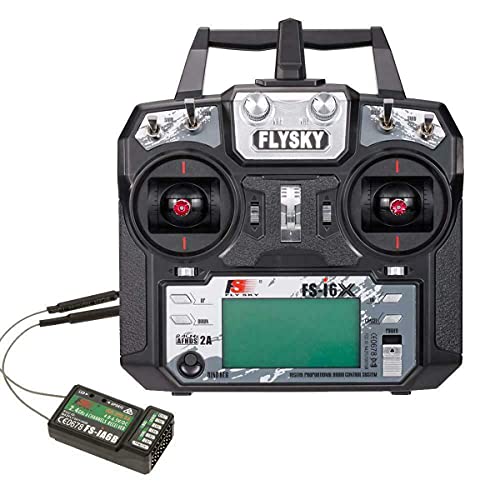
Please note: Flysky FS-i6X is default 6CH with FS-iA6B Receiver. If you have 10 channels receiver FS-iA10B, that you can open to 10 channels.

Wide application: these servo extension s are compatible with Futaba and JR servo, plane and helicopter servo connection or receiver connection, also nice for remote control car, RC car and more
Performing Stick Calibration
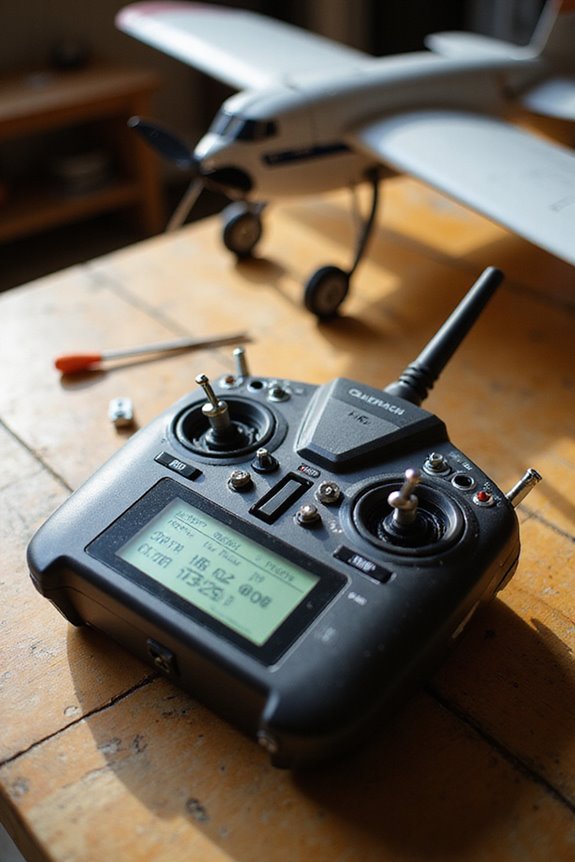
Let’s explore performing stick calibration, the essential step to optimize our RC transmitter for smooth operation. First, we need to turn on our transmitter and connect it to the ground station software. Then, we’ll select the stick calibration option. It’s like following a recipe; we must move each stick to the extremes, holding briefly to verify the software captures our stick movement correctly.
Accurate stick calibration helps prevent calibration errors, confirming every twitch on our sticks translates perfectly to our controls. Once we’ve gone through the prompts and confirmed each position, we’ll save our values. Trust us, we want to avoid any erratic mid-flight dance moves! With proper calibration, we’re gearing up for stable and safe flights ahead.
Recommended Products

✔Compatible with: Futaba JR Walkera Flysky Remote Controller,Such as QX7,X9D,Devo 7, Devo10,etc.

10PCS RC Repair Tool Kit Set: This rc hobby tools set include handle, 8pcs bits, 4pcs hex screwdriver bits(1.5mm,2.0mm,2.5mm,3.0mm bits hid in the handle,opening the caps and you can see them), 2pcs hex nut socket spanner bits (4.0mm,5.5mm), 0#+ phillips and 1#- slotted screwdriver bits; 1pcs handle and 1pcs red tray (using to store screws and small parts)

Verifying and Adjusting Calibration
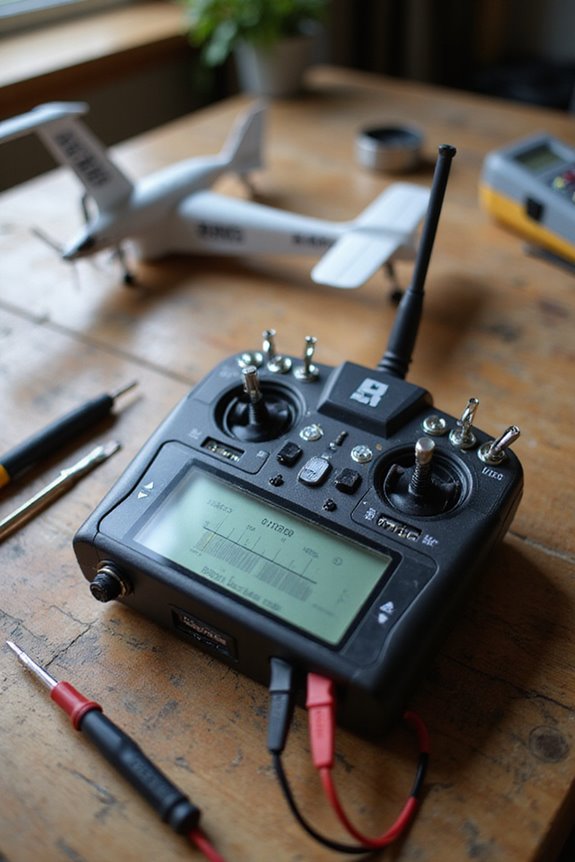
With stick calibration wrapped up, it’s time to make sure everything’s working perfectly. First, let’s review our summary screen in Mission Planner or QGroundControl. We should see our min, max, and trim values falling within the normal range—around 1100 μs to 1900 μs is ideal. If anything looks off, it’s time for some calibration troubleshooting.
Next, we’ll test each control stick. It should smoothly respond on-screen—no “dead zones” allowed! If we notice anything strange, like erratic movements or signal interference, a recalibration might be necessary. Remember, document everything! This way, if something goes sideways later, we’ll have a solid reference. If performance dips, don’t hesitate to recalculate; our machines deserve the best!
Recommended Products

RC stand Compatible with Mostly Brands 1/8 1/10 1/12 1/16 Scale Models, Such as Traxxas / Arrma / Redcat Racing / SCX10 / HSP / HPI / Axial / RC4WD / WLtoys / Kyosho / Himoto / Losi / Exceed / Tamiya RC Crawler Car Truck Buggy Vehicle Scale Accessories.

【RC Tool Kit】This hex screwdriver set is suitable for RC Traxxas cars, racing cars, rc buggy, trucks, boats, robots, rc helicopters, quadcopter, and other small rc models

The ECS Motor Servo Centering Tool can easily detect the clearance, jitter and median of a kind of Servo .
Throttle-Specific Calibration Steps
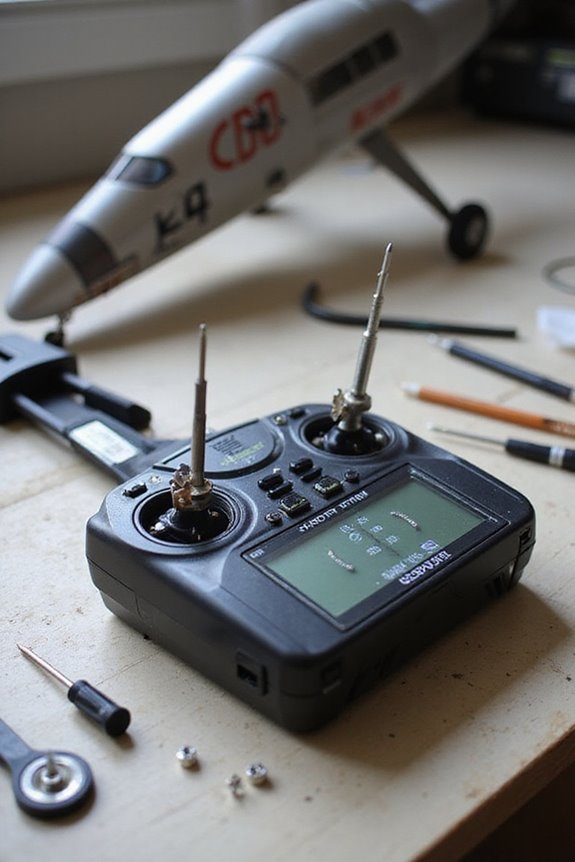
Ready to rev up your RC experience? Let’s plunge into the throttle-specific calibration steps. First, we’ve gotta make certain the throttle trim is centered and the throttle cut switch is off. Safety first: remove those propellers! Now, with the transmitter on and the throttle stick at max, power up the ESC. Listen for those initialization beeps, then quickly lower the throttle to mark the low value. This sets our throttle sensitivity just right.
Next, eliminate the deadband, making sure even the slightest movement gets a response from the motor. After recording our endpoints, we need to set the throttle neutral. This should align perfectly with a PWM signal around 1500 microseconds, keeping our ESC settings locked for smooth operation. It’s also important to ensure that the high-quality servos you’re using have strong torque for reliable control. Let’s make those calibrations count!
Recommended Products
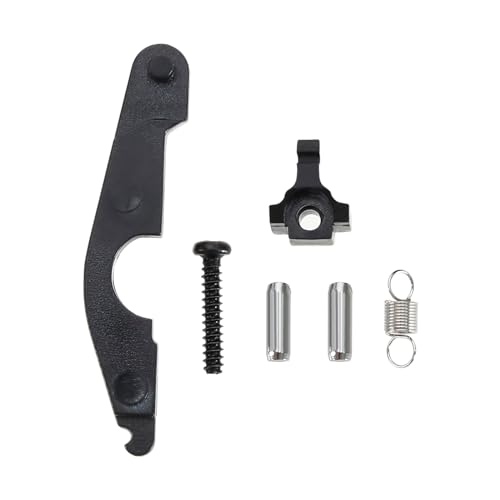
The Self Centering Throttle Mode Change is compatible with Flysky FS-i6S/i6X/i6 self centering throttle transmitter.

【FHSS 67 Channels Pseudo-random Hopping】Supports pseudo-random sequence frequency hopping with 67 channels, achieving superior anti-multipath interference and anti-same-band interference capabilities. The T8FB transmitter improves the stable control distance by 2.5 times compared to its predecessor, reaching up to 2km. When used with the R8XM receiver (sold separately), the control distance can be extended up to 4km.

<b>2.4G 4CH Remote Controller and Receiver:</b>DUMBORC X4 Transmitter perfect used for RC Car Boat Tank Crawler,2.4GHz Frequency and 3ms Receiver responses. Stable control your model 400-500M, good works of out of control protection
Post-Calibration Procedures
After fine-tuning the throttle settings, it’s time to make sure everything works as intended. First, let’s check that our motor responds smoothly to even slight throttle adjustments. If it doesn’t, we might need to recalculate that ESC. We need to guarantee that all control sticks and knobs are free-moving and register correctly. Remember, safety first: always disconnect power and remove props before testing.
Next, we’ll delve into some calibration data analysis. We should verify that our minimum, maximum, and trim values align with expected ranges. If anything seems off, recalibrating right away is crucial. We want our gear working flawlessly, so let’s keep our post-calibration safety protocols in place while we confirm everything’s on point!
Documenting Calibration Values
Documenting calibration values is essential for anyone serious about getting the most out of their RC gear. Think of it as keeping a diary for your transmitter; it helps us track adjustments and trends over time. When we document our calibration steps, we’re not just checking boxes—we’re ensuring reliability and compliance with calibration standards that can make or break our hobby.
We should record minimum, maximum, and trim values for each channel. Using dedicated calibration software or good ol’ logbooks makes it easier to retrieve these values later. And don’t forget to back everything up like it’s your favorite tunes! Consistent documentation methods help us avoid drift and keep our transmitters performing their best. Happy flying!
Frequently Asked Questions
How Often Should I Recalibrate My RC Transmitter?
When it comes to transmitter maintenance, we should aim for regular recalibration to guarantee peak performance. Calibration frequency might increase with hardware changes, inconsistent control responses, or environmental factors, helping maintain reliability in our operations.
What Should I Do if My Transmitter Doesn’t Connect?
If we’re facing connection issues, let’s start with transmitter troubleshooting. We should check power, verify binding, and guarantee all connections are secure. Don’t forget to review settings and firmware for potential updates or misconfigurations!
Can I Calibrate Without Specific Ground Control Software?
Did you know that nearly 60% of hobbyists struggle with transmitter settings? While we can attempt manual calibration, it’s usually unreliable without specific ground control software, risking incorrect mappings and safety issues. Let’s stick to recommended methods.
What Are Signs of a Faulty Transmitter or Receiver?
We should watch for transmitter malfunctions like jittery controls or unexpected movements. Likewise, if we notice receiver issues such as binding failures or flashing lights, it’s time to investigate further for ideal performance.
Is It Safe to Calibrate Indoors?
In our quest for precision, we must remember that while an indoor calibration environment beckons, its safety is paramount. We should prioritize indoor safety, ensuring careful preparation to prevent mishaps as we calibrate our RC equipment.